If you have both the Google app and Chrome on your phone, it can feel like you somehow downloaded the same internet app twice. You did not. They look related because they are both made by Google, but they do different jobs.
Google helps you find information. Google Chrome helps you open and use websites. One is mainly a search engine and technology company. The other is a browser app made by that company.
Quick Take
Google vs Google Chrome
Google is a search engine and technology company. Google Search helps you find websites, images, videos, maps, products, and answers. Google Chrome is a web browser. It opens websites, manages tabs, saves bookmarks, runs extensions, stores passwords, and lets you browse the internet. You can use Google Search inside Chrome, Safari, Firefox, Edge, or Arc. You can also use Chrome with a different search engine, such as Bing or DuckDuckGo. In simple words: Google finds the page. Chrome opens the page.
Google vs Google Chrome: The Simple Difference
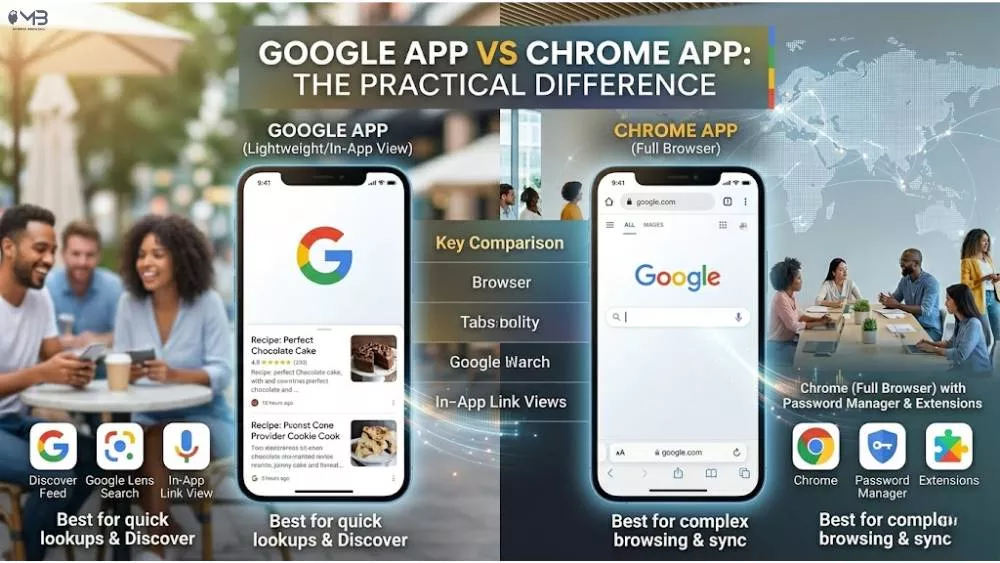
The easiest way to understand the difference is this:
- Google is what you use when you want to search for something.
- Google Chrome is what you use when you want to open and use websites.
A search engine and a browser are not the same thing. A search engine finds web pages. A browser displays them. Google Search is the search engine. Chrome is the browser.
That is why you can search Google from almost any browser. You can open Google.com in Safari, Firefox, Edge, Brave, Arc, or another browser and still get Google results.
Google vs Chrome Comparison Table
| Feature | Google Chrome | |
|---|---|---|
| What it is | A search engine, technology company, and product ecosystem | A web browser made by Google |
| Main job | Find information, websites, images, videos, maps, and answers | Open websites and let you browse the internet |
| Do you install it? | The Google app can be installed, but Google Search also works as a website | Yes, Chrome is an app installed on your phone or computer |
| Can it open websites? | Google Search finds websites, but a browser still displays them | Yes, opening websites is Chrome’s main purpose |
| Can it search the web? | Yes, Google Search is one of the world’s biggest search engines | Chrome can send your search to Google or another search engine |
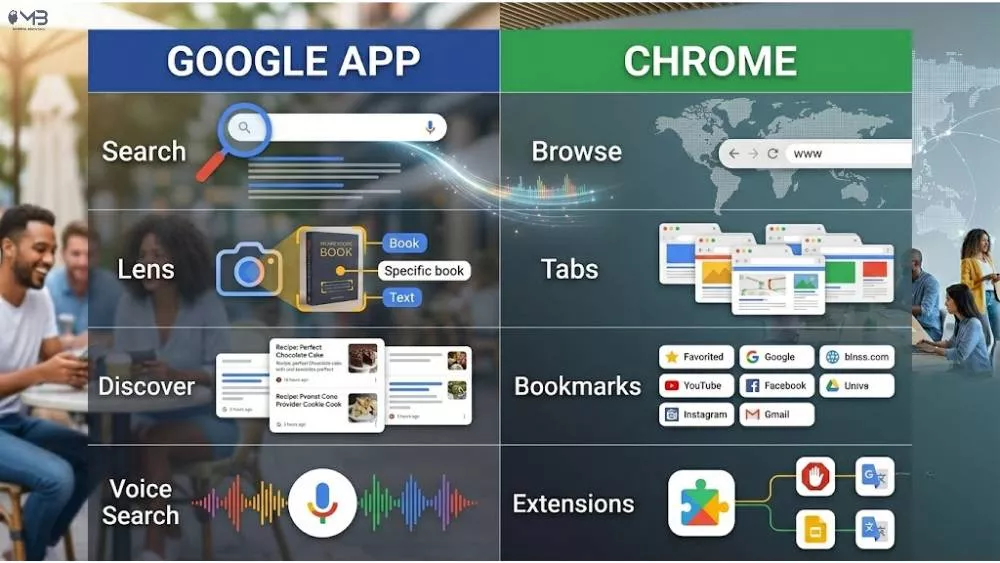
| Examples of features | Search, Gmail, Maps, Drive, YouTube, Discover, Lens, Gemini | Tabs, bookmarks, extensions, passwords, Incognito, sync, DevTools |
| Works without the other? | Yes, Google works in Safari, Firefox, Edge, and other browsers | Yes, Chrome can use Bing, DuckDuckGo, Yahoo, or another search engine |
| Best for | Quick searches, answers, maps, videos, and Google services | Full web browsing, multiple tabs, forms, shopping, banking, and web apps |
What Is Google?
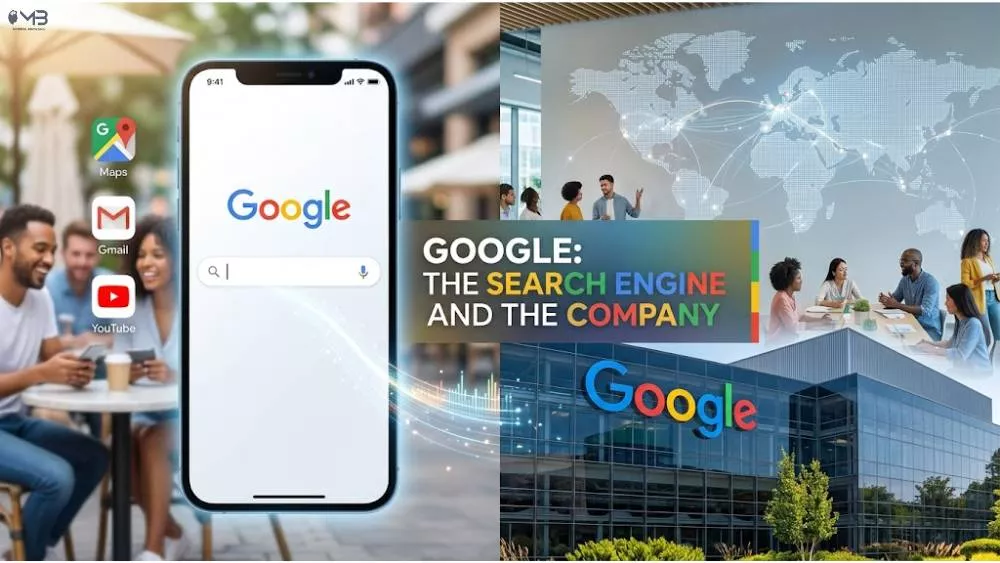
Google is best known as a search engine. When people say “I’ll Google it,” they usually mean they will search the web using Google Search. You type a question, phrase, product name, place, or website into Google, and it gives you a list of results.
But Google is also much bigger than Search. Google is a technology company that owns or operates products like Gmail, YouTube, Google Maps, Google Drive, Google Docs, Android, Google Ads, Google Cloud, Pixel phones, Nest devices, and Gemini.
Google started as a search project by Larry Page and Sergey Brin at Stanford and became a company in 1998. Google’s official company story still describes that beginning as the move from a Stanford idea to the Googleplex.
For most everyday users, though, the simple definition is enough: Google helps you find and use information online.
What Is Google Chrome?
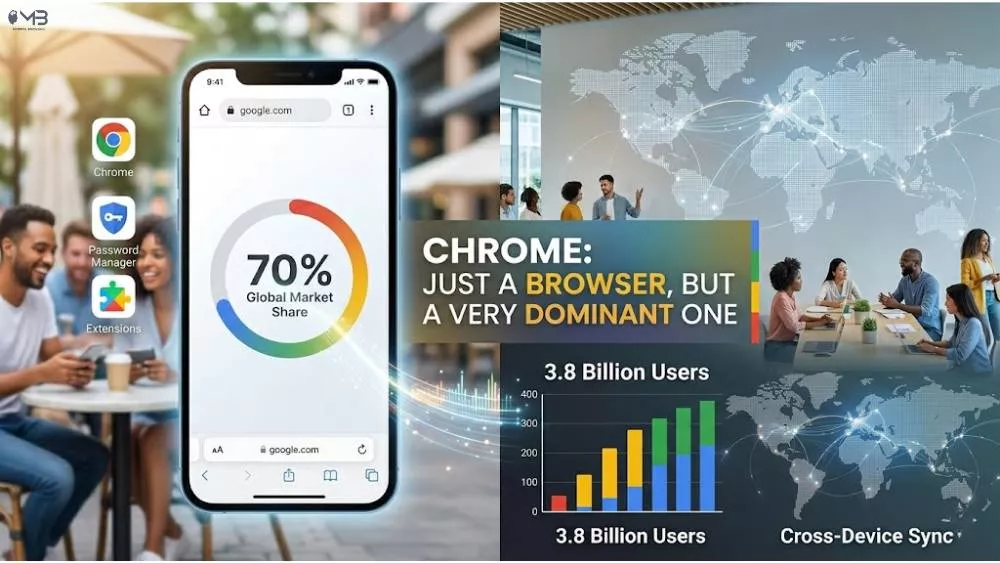
Google Chrome is a web browser. A browser is the app that opens websites on your device. When you visit a news site, log in to your bank, watch YouTube, use Google Docs, read an article, fill out a form, or shop online, your browser displays the page and lets you interact with it.
Chrome was released by Google in 2008. It became popular because it was fast, clean, and reliable at a time when many users were frustrated with older browsers. Today, Chrome is one of the most widely used browsers in the world. StatCounter shows Chrome with about 69.65% of global browser share in June 2026.
Chrome includes features such as:
- Tabs for opening multiple pages
- Bookmarks for saving websites
- Saved passwords and autofill
- Chrome extensions on desktop
- Incognito mode for local private browsing
- Sync across devices when signed into your Google account
- Security updates in the background
- Chrome DevTools for developers
Chrome is made by Google, but it is not the same thing as Google Search.
Google App vs Chrome App: Why Your Phone Has Both
This is where most confusion happens, especially on Android phones. Many Android devices come with both the Google app and Chrome already installed. They can both show web content, but they are not duplicates.
| App | What It Does Best | Use It When |
|---|---|---|
| Google app | Quick searches, Discover feed, voice search, Lens, Assistant, fast answers | You want a quick answer, news card, image search, voice query, or Google Lens result |
| Chrome app | Full web browsing, tabs, forms, websites, shopping, logins, bookmarks, passwords | You want to properly use websites, open several tabs, sign in, buy something, or manage pages |
The Google app is like a quick search shortcut. Chrome is the full browser. The Google app is useful when you want an answer fast. Chrome is better when you want to browse, compare, fill forms, save pages, use tabs, or keep a browsing session going.
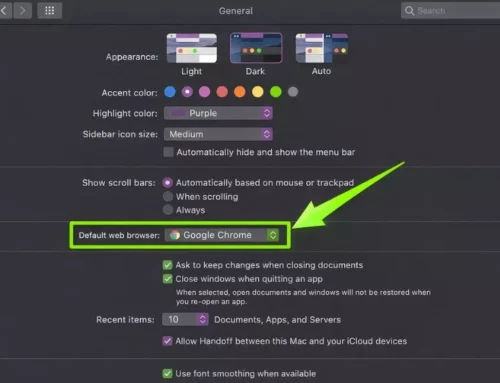
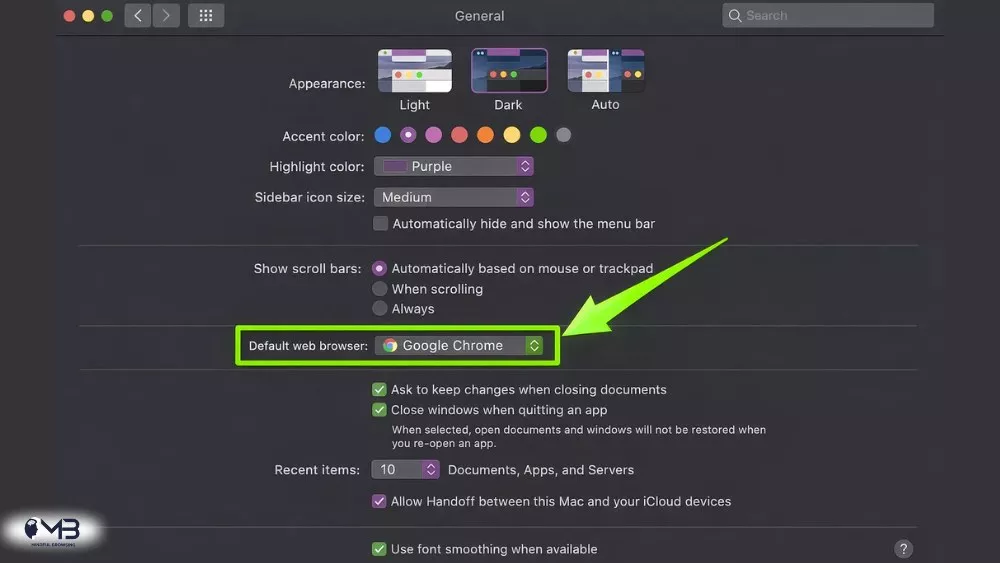
On iPhone, the situation is different. Safari is the default browser unless you change it. The Google app and Chrome are optional downloads. If you use a Mac and want more control over browser defaults, our guide on how to change the default browser on Mac explains the process clearly.
Search Engine vs Browser: How They Work Together
Here is what happens when you type a search into Chrome’s address bar:
- You type a question or phrase into Chrome.
- Chrome notices that you typed a search, not a website address.
- Chrome sends that search to your default search engine.
- If your default is Google, Google Search finds matching results.
- Chrome displays the search results page for you.
It feels like one action because it happens quickly. But two different jobs are happening. Google Search finds the results. Chrome displays the results.
You can prove this by changing Chrome’s default search engine. Google’s own Chrome help explains that users can manage and change search engines from Chrome settings.
Can You Use Google Without Chrome?
Yes. You can use Google without Chrome.
Open Safari, Firefox, Edge, Brave, Arc, or another browser. Type Google.com. Search normally. Google Search, Gmail, Google Maps, Google Drive, YouTube, and Google Docs all work in modern browsers.
This is important because Chrome is not required to use Google. Chrome may make Google services feel smoother, especially when you are signed into your Google account, but it is not mandatory.
Can You Use Chrome Without Google Search?
Yes. You can use Chrome without Google Search.
Chrome uses Google Search by default in many regions, but you can change the default search engine to Bing, DuckDuckGo, Yahoo, Ecosia, Brave Search, or another supported option. The browser stays Chrome. Only the search provider changes.
This matters for privacy-conscious users. Some people like Chrome’s speed and extension support but do not want every address-bar search to go through Google. Changing the default search engine is the easiest middle ground.
Do You Need Both Google and Chrome?
Most Android users can keep both. They do different jobs and usually do not cause problems.
- Keep the Google app if you use Discover, voice search, Google Lens, Assistant, quick answers, or Google widgets.
- Keep Chrome if you want a full browser with tabs, bookmarks, passwords, website logins, and cross-device sync.
You do not strictly need both. If you prefer Firefox, Safari, Edge, Brave, Arc, or another browser, you can still use Google Search. If you prefer Chrome but want less Google search involvement, you can change Chrome’s default search engine.
For a calmer setup, the best question is not “Which one is better?” It is: “Which app do I actually use for what?”
Why Did Google Make Chrome?
Google launched Chrome because the web was changing. In the late 2000s, websites were becoming more like apps. Gmail, Google Maps, YouTube, and Google Docs needed faster browsing technology than many older browsers could comfortably provide.
Chrome gave Google a browser built for fast web apps, automatic updates, stronger isolation between tabs, and a simpler interface. It also gave Google a powerful way to keep users close to Google Search and Google services.
That connection is why Chrome matters so much. Chrome is not only a browser. It is also a doorway into Google’s ecosystem.
Google vs Chrome on Android, iPhone, Mac and Windows
On Android
You will often see both the Google app and Chrome pre-installed. Google app is for quick search, Discover, Lens, and Assistant. Chrome is the full browser for opening links and using websites.
On iPhone
Safari is the default browser unless you change it. You can install the Google app for search and Discover, or Chrome if you want Google sync and Chrome-style browsing.
On Mac
Safari is built in, but Chrome is popular for people who use Google services across devices. You can use Google Search in either browser.
On Windows
Microsoft Edge is built in, but many users install Chrome because they prefer Google sync, Chrome extensions, and familiar browsing. Google Search works in Edge too.
Common Misconceptions About Google and Chrome
Misconception 1: Google and Chrome are the same thing
They are not. Google is the search engine and company. Chrome is the browser made by Google.
Misconception 2: You need Chrome to use Google
You do not. Google Search and Google services work in Safari, Firefox, Edge, Brave, and other modern browsers.
Misconception 3: Chrome only works with Google Search
Chrome uses Google by default in many places, but you can change the default search engine.
Misconception 4: Incognito makes you anonymous from Google
Incognito stops Chrome from saving browsing history, cookies, and form data on that device after the session. It does not make you invisible to websites, your school, your workplace, your internet provider, or every online tracker.
Misconception 5: The Google app is a full browser
The Google app can open web results, but it is not the same as a full browser. Chrome is better for serious browsing, tabs, logins, bookmarks, forms, downloads, and web apps.
Should You Use Google, Chrome, or Both?
Use Google Search when you want answers, websites, maps, images, videos, products, local results, or quick information.
Use Chrome when you want to browse the web properly, manage tabs, save bookmarks, use extensions, sync passwords, log in to websites, or move between devices.
Use both if you are comfortable in Google’s ecosystem and like the convenience of everything syncing together.
Use Google without Chrome if you prefer Safari, Firefox, Edge, Arc, or another browser. You can still search Google normally.
Use Chrome without Google Search if you like Chrome’s browser features but prefer Bing, DuckDuckGo, or another search engine.
What About Other Browsers?
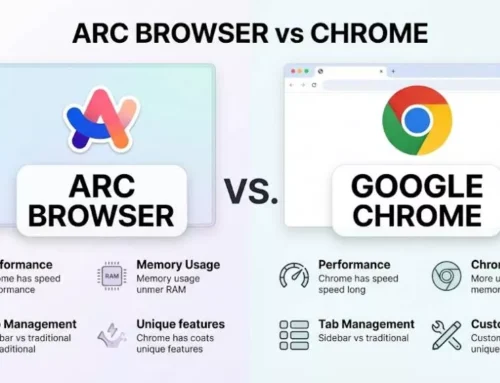
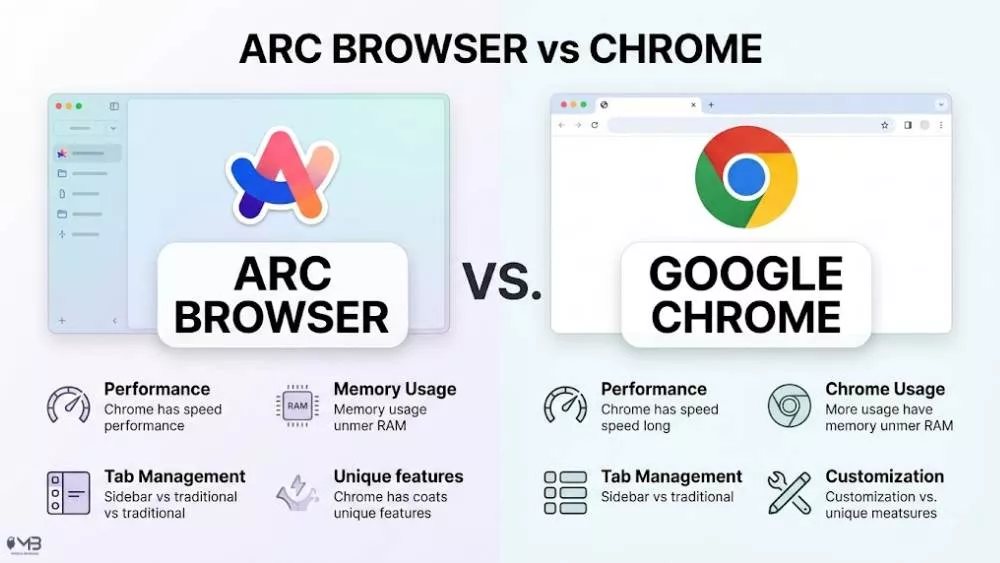
Chrome is not your only browser choice. Firefox is better for users who want stronger privacy and more independence from Google. Arc is better for people who want a workspace-style browser with cleaner tab management. Avocado Browser may interest users who like newer browser experiments and lighter browsing ideas.
If Chrome feels too heavy or too connected to Google, compare your options before switching completely.
FAQs About Google and Google Chrome
No. Google is a search engine and technology company. Google Chrome is a web browser made by Google. Google finds information. Chrome opens websites.
They are not direct competitors. Google Search is better for finding information. Chrome is better for opening and using websites. Most people use them together without thinking about it.
Yes. You can delete or stop using Chrome and still use Google Search in Safari, Firefox, Edge, Brave, Arc, or another browser.
Yes. Chrome works without signing into a Google account. You can browse websites normally, but you will not get the same sync for passwords, bookmarks, history, and open tabs across devices.
Incognito does not save your browsing history on your device after the session, but it does not make you fully anonymous online. Websites, employers, schools, internet providers, and some services may still see activity depending on how you browse.
Google can be both. Google Search works as a website at Google.com, and the Google app gives mobile users quick access to Search, Discover, Lens, voice search, and other Google features.
Bottom Line
Google is the search engine and technology company. Google Chrome is the browser made by Google. They work so smoothly together that many people assume they are the same thing, but they are separate tools.
The simplest way to remember it is this: Google finds the page. Chrome opens the page.
You can use Google without Chrome. You can use Chrome without Google Search. You can keep both if you like the convenience, or mix and match if you want more control over your browsing setup.
About the Author: Shanzaib Haider