
Most browser comparisons begin with speed. That made sense years ago, when one browser could feel noticeably quicker than another. In 2026, the bigger difference is not how fast a blank tab appears. It is what the browser puts between you and the page: trackers, sidebars, AI buttons, tab clutter, account prompts, news feeds and dozens of small decisions you never asked to make.
That is why six browsers built on the same Chromium foundation can create six very different days online.
Chrome is the familiar default. Brave tries to remove page noise before it reaches you. Vivaldi gives you almost obsessive control over tabs and layout. Edge fits closely into Windows and Microsoft 365. Opera bundles a large toolbox into the browser. Arc redesigns the browser around spaces and a vertical sidebar.
I compared them as everyday tools rather than treating one synthetic benchmark as the final answer. The questions were simple: Which browser protects privacy without a long setup? Which one makes a busy research session feel calmer? Which one is least likely to break a work extension? Which one reduces background clutter rather than adding more of it?
Quick Take: What Is the Best Chromium Browser?
Brave is the best Chromium browser for most people who want to leave Chrome without relearning the web. It keeps Chrome extension compatibility, blocks ads and trackers through built-in Shields, and makes ordinary pages feel cleaner immediately.
Vivaldi is the better choice for people whose main problem is tab overload rather than tracking. Its Workspaces, Tab Stacks, Tab Tiling and deep interface controls can turn a chaotic browser into a deliberate work surface. It takes more setting up, but it gives you more control over the result.
The other choices are more specific:
- Choose Edge for the strongest fit with Windows and Microsoft 365.
- Choose Chrome for the smoothest Google and Android experience.
- Choose Opera if you want ad blocking, a browser VPN, workspaces, messaging and other tools in one package.
- Choose Arc only if its workspace design solves a real problem for you and you understand that Arc’s official download page now describes it as receiving Chromium updates only, while active product development has moved to Dia.
My practical verdict is this: Brave is the easiest privacy-first recommendation. Vivaldi is the most thoughtful browser for focus. Chrome remains the most dependable compatibility default.
How I Compared These Chromium Browsers
This is a research-led feature-and-workflow comparison, not a laboratory speed test. I reviewed current product documentation, release notes, extension support, privacy controls and the decisions each browser asks a user to make. I did not rank six browsers from one Task Manager screenshot because browser memory results change with the operating system, extensions, open websites, cached content, sleeping-tab settings and even how long the browser has been running.
Instead, I compared the current desktop experience in October 2026 against six practical criteria:
- Privacy defaults: What is blocked before you install extra extensions or change ten settings?
- Focus and tab control: Does the browser help you find your work, or simply give you more places to lose it?
- Extension and website compatibility: Can you move from Chrome without breaking important tools?
- Performance controls: Can the browser put inactive tabs to sleep and reduce unnecessary page load?
- Sync and platform reach: How comfortably does it move between desktop and mobile devices?
- Interface pressure: How many feeds, prompts, services and extra buttons compete for attention?
The final recommendation is therefore about daily fit, not a universal claim that one browser wins every benchmark on every computer.
Chromium Browser Comparison Table
| Browser | Best for | Strongest advantage | Main compromise |
|---|---|---|---|
| Brave | Privacy with minimal setup | Built-in Shields and Chrome extension support | Extra features such as Rewards, Wallet, Leo, News and VPN can feel busy until hidden |
| Vivaldi | Focus, research and heavy tab use | Workspaces, Tab Stacks, Tab Tiling and deep customization | The number of choices can overwhelm new users |
| Microsoft Edge | Windows and Microsoft 365 users | Vertical tabs, sleeping tabs and close Windows integration | New-tab content, Copilot and service prompts may create visual noise |
| Google Chrome | Google services, Android and maximum compatibility | Excellent sync, broad support and the native Chrome extension ecosystem | Weakest separation from Google’s wider account and advertising ecosystem |
| Opera | People who want many tools built in | Ad blocker, browser VPN, Tab Islands, workspaces and sidebar tools | The all-in-one interface can feel more crowded than calm |
| Arc | Existing Arc users and workspace-style browsing | Spaces, vertical navigation and Split View | Arc now receives Chromium updates only; active development has shifted to Dia |
Why Browsers Built on Chromium Still Feel So Different
Chromium is an open-source browser project. It provides much of the shared foundation that renders websites, runs web apps and supports many of the same extension technologies. That shared base is why Chrome, Brave, Edge, Vivaldi, Opera and Arc usually display modern websites in similar ways.
But Chromium is not the complete product you use every day.
Each browser company decides what to build around it: the default search engine, sync system, privacy protections, update process, tab interface, AI tools, new-tab page, telemetry, built-in blockers and account requirements. Those choices shape the experience far more than the shared engine suggests.
It is similar to six apartments built on the same frame. The plumbing may be familiar, but the doors, furniture, lighting and house rules can make one feel peaceful and another feel exhausting.
This distinction also explains a common point of confusion. Google is a company and search engine, Chrome is Google’s browser, and Chromium is the open-source project beneath Chrome and many competitors. Our guide to Google vs Google Chrome explains that relationship in plain language.
1. Brave: The Best Chromium Browser for Most Privacy-Conscious Users
Brave is the easiest browser to recommend when someone says, “I like how Chrome works, but I want less tracking and fewer ads.”
The transition is gentle. Brave uses Chromium, accepts extensions from the Chrome Web Store and can import the familiar parts of a Chrome profile. The major difference is what happens before you add anything. Brave Shields blocks ads, trackers, cross-site cookie tracking and fingerprinting techniques through protections built into the browser.
That matters because a calmer page is not only a privacy benefit. It is also a focus benefit. A news article with fewer autoplay boxes, pop-ups, tracking scripts and shifting ad slots is easier to read. You do not need to build a stack of extensions just to make an ordinary webpage feel ordinary again.
What Brave Does Well
Brave gives a new user meaningful protection without requiring a privacy course. The Shields panel is visible beside the address bar, so you can see what has been blocked and relax protection for a site that genuinely needs it. Chrome extensions work, which removes one of the biggest barriers to switching.
Brave also has an important advantage after Chrome’s Manifest V2 phase-out. The original uBlock Origin is a Manifest V2 extension and no longer functions in current Chrome releases. Brave’s native blocking is built into the browser, so it is not dependent on the extension platform in the same way.
What May Annoy You
Brave is not visually empty. Rewards, Wallet, Leo, News, Talk and VPN features can make the browser feel as though it is presenting a product shelf. Most of these elements can be disabled or hidden, but the first few minutes may not feel as quiet as the privacy promise suggests.
That is Brave’s strange tension: it removes a great deal of noise from webpages while adding optional services around the browser itself.
Who Should Choose Brave?
Choose Brave if you want stronger privacy and cleaner pages without giving up the Chrome extension ecosystem. It is especially suitable for readers, researchers, families and ordinary users who do not want to spend an evening hardening browser settings.
Brave verdict: Best overall Chromium alternative for low-effort privacy.
2. Vivaldi: The Best Chromium Browser for Focus and Tab Management
Vivaldi is the browser I would choose for a person who says, “Tracking bothers me, but my real problem is that I cannot find anything after lunch.”
It treats the browser as a workspace you should be able to shape. Workspaces separate different parts of your day. Tab Stacks group related pages. Tab Tiling places pages beside one another. Quick Commands lets you find tabs and trigger actions from the keyboard. Web Panels keep selected sites in a sidebar. Toolbars, shortcuts, menus and themes can all be rearranged.
That sounds like more complexity, and at first it is. The difference is that Vivaldi’s complexity is usually in service of user control. You can remove tools, hide interface elements and build a simple browser. Or you can create a research cockpit with multiple tab groups, notes, tiled sources and custom shortcuts.
What Vivaldi Does Well
No browser in this comparison gives you more control over the shape of your browsing. For writers, students, editors, developers and researchers, Tab Tiling alone can be valuable. A source can stay open beside a draft without constantly switching windows.
Vivaldi also includes tracker and ad blocking, accepts Chrome-compatible extensions and says synced data is protected with end-to-end encryption. Its privacy story is not merely “open an incognito window.” It is built around giving the user more control over what the browser does.
What May Annoy You
Vivaldi can feel like opening a professional camera when you only wanted to take a quick photo. There are settings inside settings. A new user may spend too much time designing the perfect browser instead of doing the work the browser was meant to support.
The mindful approach is to start small. Create two Workspaces, use one tab arrangement and ignore the rest until a real problem appears. Customization is helpful only when it removes friction.
Who Should Choose Vivaldi?
Choose Vivaldi if you keep many tabs open, separate work from personal browsing, compare sources side by side or enjoy keyboard-driven workflows. It is the strongest choice for people willing to spend a little time creating a browser that matches the way they think.
Vivaldi verdict: Best Chromium browser for focus, research and deep customization.
3. Microsoft Edge: The Best Chromium Browser for Windows
Edge is easy to underestimate because many people still associate the name with older Microsoft browsers. The current Edge is a modern Chromium browser with solid tab tools, good extension compatibility and deep Windows integration.
Its best features are practical. Vertical tabs make long page titles easier to scan. Tab groups help separate projects. Sleeping tabs reduce the resources used by inactive pages. Tracking prevention offers Basic, Balanced and Strict levels, with Balanced selected as the recommended default. Edge can also use extensions from compatible stores, including the Chrome Web Store when that option is enabled.
What Edge Does Well
Edge fits naturally into a Windows and Microsoft 365 workflow. Work and personal profiles, Microsoft account sync, PDF tools, vertical tabs and sidebar access can reduce app switching for people who already live inside Outlook, Teams, OneDrive and Office web apps.
Its performance controls are also easy to understand. Sleeping tabs are not a promise that Edge will always use the least memory, but they give the browser a sensible way to reduce background activity when tabs sit unused.
What May Annoy You
Edge often struggles to leave the user alone. The new-tab page, Copilot surfaces, shopping tools, sidebar modules and prompts to use Microsoft services can make a capable browser feel more promotional than it needs to be.
You can turn many of these elements off, but that creates a recurring theme in this comparison: the browser may contain good focus tools while making you work to reveal the focused version of itself.
Who Should Choose Edge?
Choose Edge if you use Windows, Microsoft 365 or a managed work account and want the path of least resistance. It is also worth trying on a lower-powered Windows laptop because its sleeping-tab tools are easy to configure.
Edge verdict: Best for Windows and Microsoft-centered work, but clean up the new-tab page first.
4. Google Chrome: Still the Best Compatibility Default
Chrome is the browser every alternative must explain itself against. That is not only because of market share. Chrome is familiar, widely tested, connected to Google services and supported by an enormous extension ecosystem.
If your day moves between Gmail, Google Docs, Drive, Meet, YouTube, Android and Google Password Manager, Chrome removes friction. Bookmarks, passwords, history, settings and open tabs can follow your Google account across devices. Memory Saver and Energy Saver can deactivate inactive tabs and reduce some background activity when a device is unplugged or low on battery.
What Chrome Does Well
Chrome is predictable. Websites are commonly tested in it, workplace instructions are often written for it, and niche extensions usually target the Chrome Web Store first. When a school, bank, web app or company dashboard says it supports a browser, Chrome is rarely the risky choice.
Its security and update machinery are also substantial. That does not make Chrome the most private browser, but privacy and security are not the same question. A browser can be excellent at patching vulnerabilities and warning about dangerous pages while still being closely tied to a data-rich ecosystem.
What May Annoy You
Chrome’s convenience is strongest when you sign into Google and let the ecosystem connect itself. That is also the central trade-off. Users who want more separation from Google may find that the browser never feels fully independent from the account, search and advertising environment around it.
Chrome also does not include a full built-in tracker and ad blocker comparable with Brave Shields. Manifest V3 has changed what extension-based blockers can do, and the original Manifest V2 version of uBlock Origin no longer functions in current Chrome releases.
Who Should Choose Chrome?
Choose Chrome if compatibility, Google sync and familiar behavior matter more than creating distance from Google. There is no need to switch simply because switching sounds fashionable. A browser should reduce friction, not become another self-improvement project.
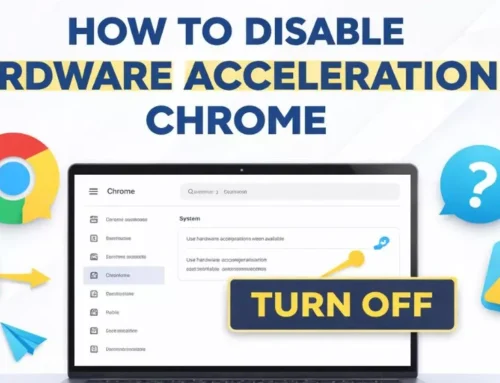
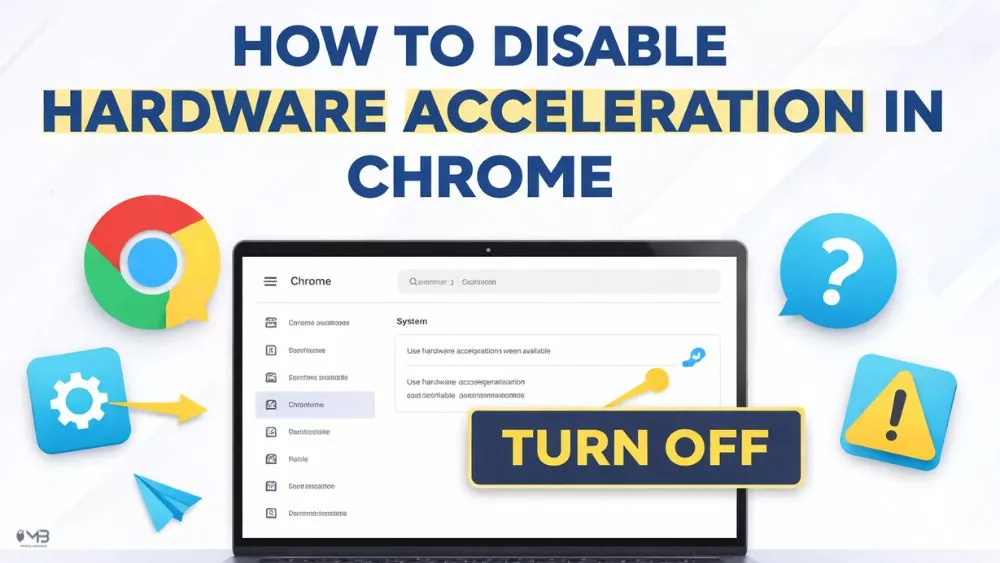
If Chrome feels slow or unstable, first check extensions and performance settings. Our guide to why a browser becomes slow and the steps for disabling hardware acceleration in Chrome can help you diagnose the problem before moving everything.
Chrome verdict: Best for compatibility, Google services and the lowest learning curve.
5. Opera: The Best All-in-One Chromium Browser
Opera takes the opposite approach from a minimalist browser. It asks what people normally add through extensions or separate apps and tries to build those tools into the browser.
Its feature list includes an ad blocker, tracker blocker, browser VPN, Tab Islands, Workspaces, a sidebar, messaging integrations, split-screen browsing, media controls, file sharing and AI features. For a user who wants one application to handle many small tasks, that can be genuinely convenient.
What Opera Does Well
Tab Islands automatically group related tabs and can collapse them to reduce a crowded tab strip. Workspaces separate contexts. The built-in blocker can clean up pages without another extension, and Opera’s browser VPN offers a simple privacy layer for browser traffic.
Opera can therefore reduce extension dependence. Every extension is additional software with permissions, updates and potential risk. Built-in tools are not automatically better, but keeping a browser’s core functions in one maintained product can be simpler.
What May Annoy You
The same abundance can become its weakness. Sidebars, messengers, music services, AI features and promotional surfaces can make Opera feel busy. A user seeking a quieter web may spend the first session turning features off.
Opera is best when its toolbox matches tools you already use. It is less convincing when the browser presents five features you never requested.
Who Should Choose Opera?
Choose Opera if you like integrated tools and would rather configure one browser than install several extensions. It is particularly appealing to people who use workspaces, messaging services and media throughout the day.
Opera verdict: Best built-in toolkit, but not the cleanest starting point.
6. Arc: The Most Interesting Workspace Design, but Now a Cautious Choice
Arc remains the most visually distinctive browser in this group. It replaces the traditional row of tabs with a vertical sidebar, organizes browsing into Spaces and treats pinned pages more like permanent parts of a workspace. Split View makes research and comparison feel natural.
For the right user, Arc can make Chrome feel strangely old. Writers, researchers and designers often understand its appeal quickly because the interface is built around projects rather than a pile of temporary tabs.
What Arc Does Well
Arc’s strongest contribution is not a benchmark. It is a different mental model. Spaces separate work, personal browsing and specific projects. Pinned tabs stay useful. Temporary tabs can be archived. The interface encourages people to decide what belongs in their workspace.
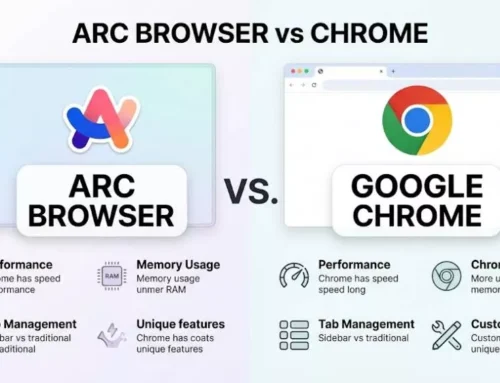
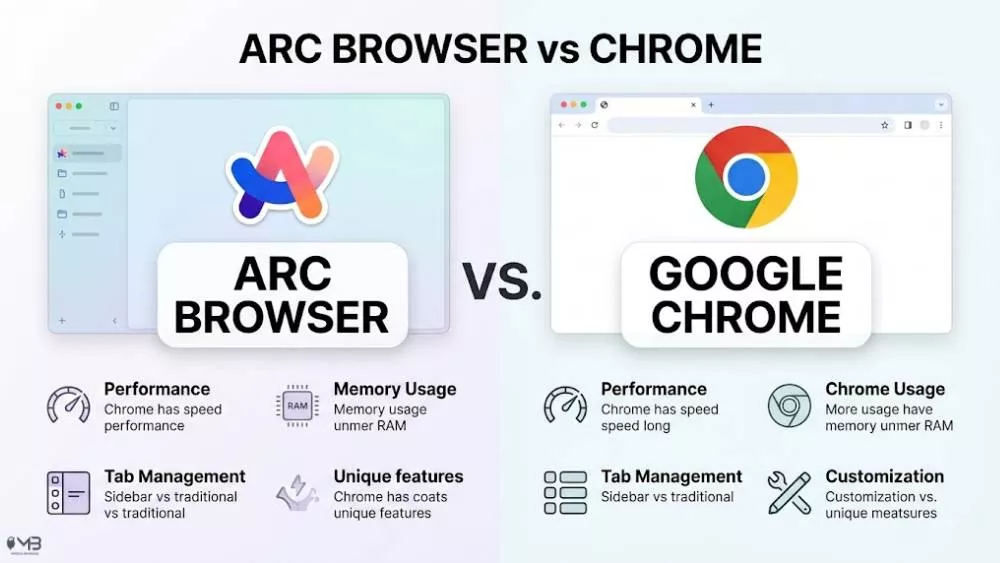
Our detailed Arc Browser vs Chrome comparison explains those workflow differences and the learning curve in more depth.
What May Annoy You
Arc is harder to recommend as a new universal default in 2026. Arc’s official download page now says the browser receives Chromium updates only and points people seeking active security patches and enterprise-grade protection toward Dia. Arc’s Windows release notes through October 2026 likewise show regular Chromium security bumps with few product-level changes.
That does not mean Arc suddenly stops working or receives no Chromium fixes. It means the product is now maintenance-focused. A new user should adopt Arc because the current design solves a real problem, not because they expect a growing roadmap of major desktop features.
Who Should Choose Arc?
Choose Arc if its Spaces, sidebar and Split View immediately make sense to you. Keep another browser installed for mission-critical workflows while you test it. If the interface does not click within a week, forcing the habit will not make your browsing more mindful.
Arc verdict: Best workspace concept for existing fans, but a cautious choice for a new long-term default.
What About Dia?
Dia is The Browser Company’s actively developed successor and is now available for macOS and Windows. It is also a different kind of product. Its central promise is to read across tabs and connected work tools, create briefs and reports, and place AI context inside the browser. That makes it relevant, but not a clean like-for-like replacement in a comparison focused on general-purpose browsing, privacy defaults and tab control.
Dia deserves a separate comparison because its value depends on whether you want an AI work layer, which accounts you connect and how comfortable you are allowing a browser to use wider work context. For this article, Arc remains the useful reference point for workspace design, while Dia is a strong follow-up topic rather than a seventh entry added as an afterthought.
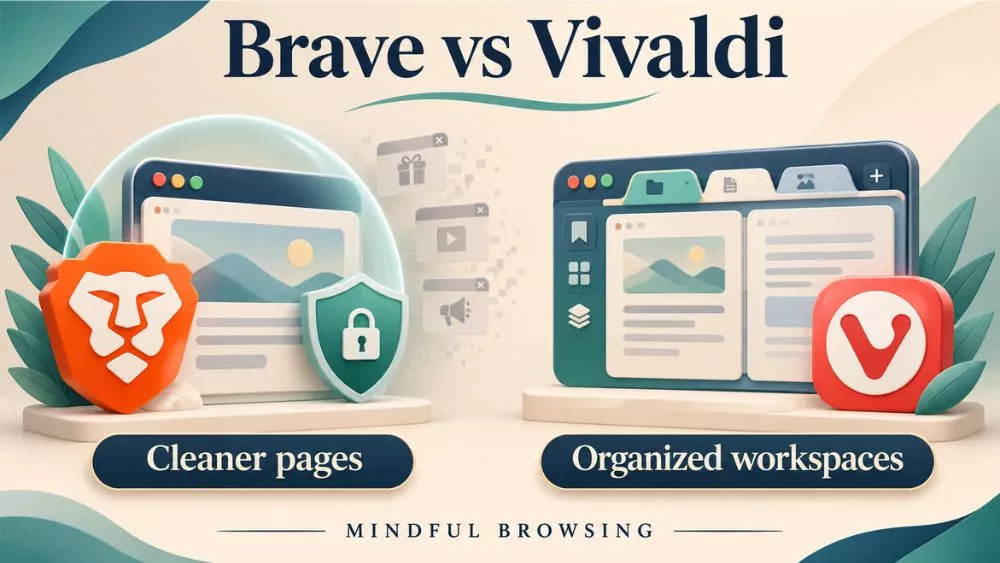
Brave vs Vivaldi: The Real Final Round
For most readers, the comparison eventually narrows to Brave and Vivaldi.
Brave is the better choice when you want the browser to protect you with minimal effort. Install it, import what matters, hide the optional services you do not need and browse. Its biggest benefit appears on the page itself: fewer ads, trackers and interruptions.
Vivaldi is the better choice when you want to shape the browser around your attention. It can be made extremely clean, but it expects you to decide what clean means. Its biggest benefit appears around the page: better tab organization, workspaces, tiling and control.
Think of the difference this way:
- Brave removes more unwanted material from the web.
- Vivaldi gives you more control over the workspace around the web.
If privacy is the first priority, choose Brave. If focus and research organization are the first priority, choose Vivaldi. If both matter, install both for a week and notice which one you open without thinking.
Which Chromium Browser Uses the Least RAM?
There is no honest universal answer.
A browser’s memory use depends on the pages open, media playback, extensions, operating system, available RAM, process isolation, cached data, blocker settings and whether inactive tabs have been put to sleep. A browser can use more memory in one ten-tab test and less in another fifty-tab test. It may also keep more data in memory deliberately so that a tab wakes faster.
That is why one screenshot of Task Manager is evidence of one setup, not a law of browser performance.
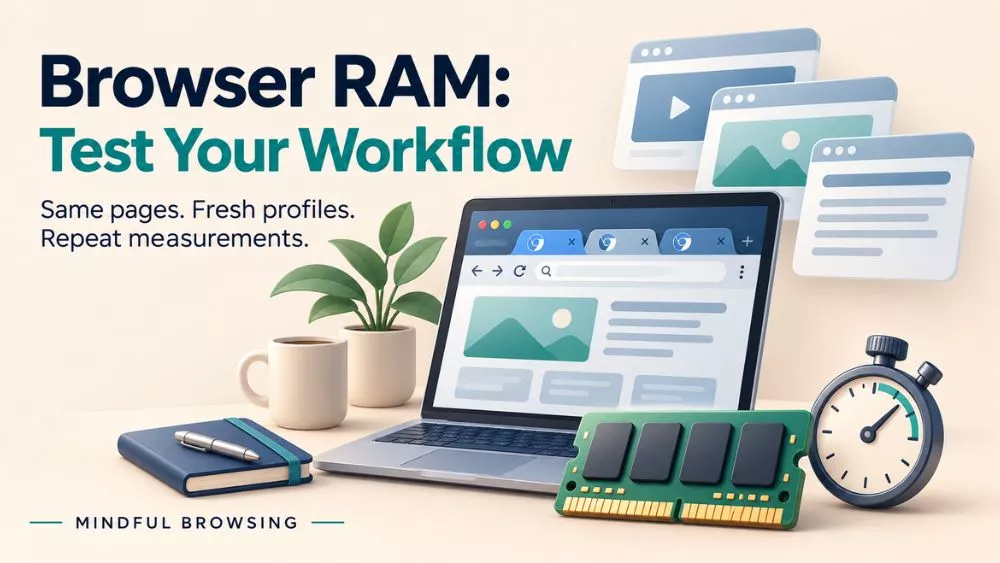
A Fair RAM Test You Can Repeat
Use this method on your own computer:
- Create a fresh browser profile in each browser.
- Disable extensions and optional sidebar or AI tools.
- Open the same ten pages in the same order.
- Wait five minutes without interacting with the tabs.
- Record total memory in the operating system and the browser’s own task manager where available.
- Repeat the test three times and use the median result.
- Revisit the first tab and record how quickly it becomes responsive after sleeping.
The last step matters. A browser that reports low idle memory but makes every sleeping tab reload may feel slower in real use than a browser that holds more data ready.
Chrome offers adjustable Memory Saver levels. Edge uses sleeping tabs. Brave may load less page material because Shields blocks ads and trackers. Vivaldi, Opera and Arc have different interface and tab behaviors. Those differences can influence results, but your own workload is the only test that answers the question for your machine.
Privacy and Security Are Not the Same Contest
Browser discussions often use “private” and “secure” as though they mean the same thing.
Security asks whether the browser is patched, isolates risky content, warns about malicious sites and protects stored credentials. Privacy asks how much data is collected, how easily trackers follow you, how much information is shared with the browser company and how much control you have over that flow.
Chrome and Edge have enormous security resources behind them. Brave and Vivaldi build stronger privacy-oriented defaults and controls around Chromium. Opera includes useful privacy tools, but users should still review what is enabled and what each tool covers. Arc’s design feels clean, yet visual calm is not the same thing as tracker blocking.
For most people, the best setup is not the browser with the most dramatic privacy slogan. It is a browser that receives timely security updates, blocks unnecessary tracking, uses only essential extensions and is configured well enough that you will actually keep using it.
What Manifest V3 Changed for Ad Blocking
Chrome’s extension system has completed its transition from Manifest V2 to Manifest V3. Google says Manifest V3 is intended to improve extension privacy, security and performance by changing background execution, removing remotely hosted code and replacing some request-blocking behavior with a rules-based model.
The practical consequence for many users is that the original uBlock Origin, a Manifest V2 extension, no longer works in current Chrome versions. uBlock Origin Lite and other Manifest V3 blockers remain available, but they are not identical replacements.
This is where browser-level blocking matters. Brave Shields is built into Brave rather than installed as a normal extension. Vivaldi and Opera also include built-in blocking tools. Built-in does not automatically mean perfect, but it means the core blocker is not entirely dependent on Chrome Web Store extension rules.
If strong content blocking is your only priority and you are willing to leave Chromium, Firefox deserves serious consideration. Our Firefox vs Chrome comparison explains why Firefox remains important for privacy, extension flexibility and a web that is not completely shaped by one engine.
Which Chromium Browser Should You Choose?
Choose Brave if:
- You want stronger privacy without a complicated setup.
- Ads, trackers and page clutter are your main frustration.
- You need Chrome extensions.
- You are willing to hide a few optional Brave services.
Choose Vivaldi if:
- You manage many tabs, projects or research sources.
- You want Workspaces, Tab Stacks or pages tiled side by side.
- You enjoy configuring shortcuts and interface details.
- You want the browser to adapt to you rather than the other way around.
Choose Edge if:
- You use Windows and Microsoft 365 all day.
- Vertical tabs and sleeping tabs solve real problems for you.
- Your workplace manages Microsoft accounts or browser policies.
- You do not mind cleaning up Microsoft’s default new-tab experience.
Choose Chrome if:
- Your digital life already runs through Google and Android.
- You need maximum website and extension compatibility.
- You prefer familiarity over experimentation.
- Chrome works well and you have no clear reason to leave.
Choose Opera if:
- You want messaging, workspaces, a browser VPN and blocking tools together.
- You prefer built-in features to a long extension list.
- A feature-rich sidebar feels useful rather than distracting.
Choose Arc if:
- You think in projects and Spaces rather than ordinary bookmarks and tabs.
- A vertical sidebar and Split View match your workflow.
- You are comfortable using a maintenance-focused browser whose active successor is Dia.
How to Switch Browsers Without Regret
A browser switch should be an experiment, not a dramatic breakup.
- Keep your current browser installed. Banking, school, work portals and one stubborn extension may still need it.
- Import only what matters. Bookmarks, passwords and history are useful. Ten forgotten extensions are not.
- Use the new browser for one real workflow. Research, writing, shopping or everyday reading will reveal more than opening three test pages.
- Turn off unnecessary surfaces. Remove news feeds, shopping modules, AI buttons and sidebar apps you do not use.
- Review extension permissions. A cleaner browser with the same risky extension collection is not much of an upgrade.
- Wait one week before changing the default. Muscle memory can make a good browser feel wrong for the first two days.
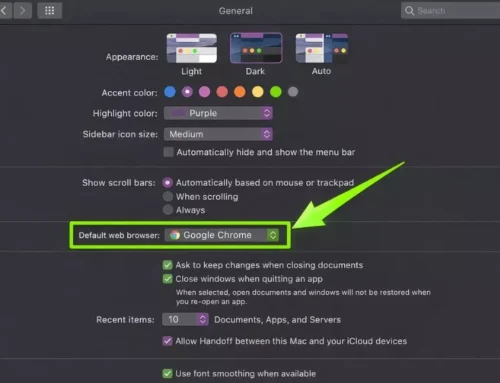
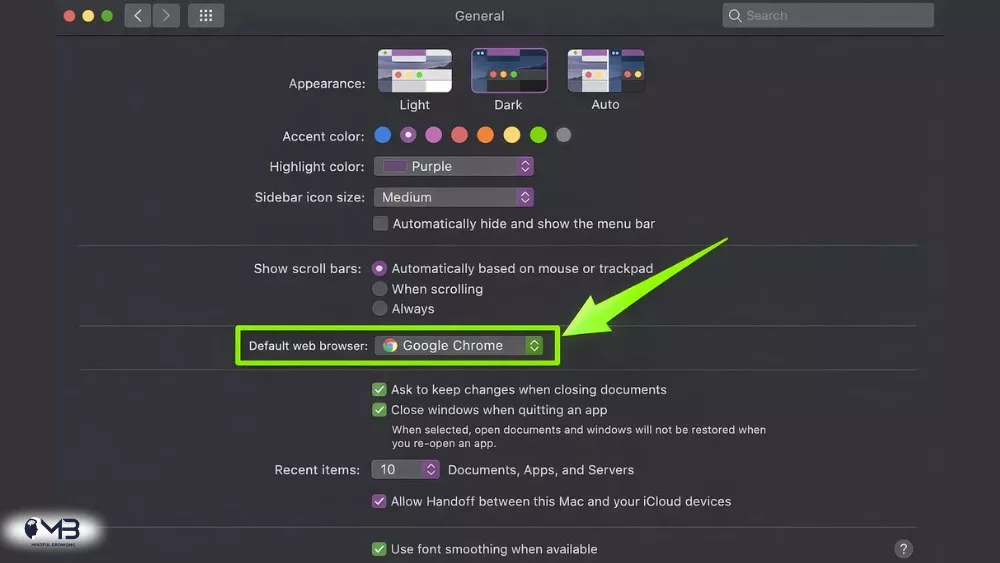
- Change the system default only when the test is over. Mac users can follow our guide to changing the default browser on Mac.
The goal is not to collect browsers. It is to create an online environment that asks for less attention while helping you do what you opened the computer to do. That is part of building healthier digital habits, not merely choosing a different icon.
Final Verdict: The Best Chromium Browser in 2026
Brave is the best Chromium browser for most people who want a practical Chrome alternative. It preserves the compatibility that makes Chromium convenient while blocking more of the advertising and tracking machinery that makes the modern web feel noisy.
Vivaldi is the more thoughtful choice for people who struggle with tab overload, scattered projects and a browser that never quite fits the way they work. It requires more intention at the beginning, but rewards that effort with exceptional control.
Chrome remains the most dependable default for Google users and maximum compatibility. Edge is the best fit for Windows and Microsoft 365. Opera is the strongest all-in-one toolbox. Arc still offers the most interesting workspace design, although I would approach it as a deliberate experiment rather than an automatic long-term recommendation.
So the simplest answer is:
- Best overall Chromium alternative: Brave
- Best for mindful focus and tab-heavy work: Vivaldi
- Best for Windows: Microsoft Edge
- Best for Google and Android: Google Chrome
- Best built-in toolkit: Opera
- Best workspace design: Arc
The right browser is not the one with the longest feature list. It is the one that disappears when you are trying to read, think, write or finish something important.
FAQs About the Best Chromium Browsers
What is the best Chromium browser overall?
Brave is the best overall Chromium browser for most people leaving Chrome because it combines Chrome extension compatibility with built-in blocking for ads, trackers and fingerprinting. Vivaldi is better if tab management and customization matter more than automatic privacy protection.
Is Brave better than Chrome?
Brave is better than Chrome for privacy by default and cleaner pages. Chrome is better for seamless Google account sync, Android integration, broad workplace support and the most predictable compatibility with websites and extensions.
Is Vivaldi safer than Chrome?
Both are modern Chromium browsers that receive security updates. Vivaldi offers stronger built-in privacy controls and does not build its product around Google’s advertising ecosystem. Chrome has an enormous security operation and very broad website support. “Safer” depends on whether you mean privacy, patching or compatibility.
Can Chromium browsers use Chrome extensions?
Most desktop Chromium browsers can use many Chrome Web Store extensions, including Brave, Edge, Vivaldi, Opera and Arc. Compatibility is not guaranteed for every extension, especially tools tied closely to Chrome accounts, enterprise policies or browser-specific APIs.
Which Chromium browser is best for low-RAM computers?
There is no browser that uses the least memory in every setup. Edge and Chrome include strong inactive-tab controls, while Brave may load less content by blocking ads and trackers. Test the same sites with a fresh profile on your own computer and compare both memory use and tab wake-up time.
Which Chromium browser is best for privacy?
Brave is the strongest mainstream Chromium choice for privacy with minimal setup because Shields is enabled by default. Vivaldi is also a strong option for people who want detailed privacy controls and a highly customizable browser.
Is Arc still worth using in 2026?
Arc is still worth trying if Spaces, a vertical sidebar and Split View improve the way you work. It continues to receive Chromium updates, but Arc’s official download page now describes the product as Chromium-updates-only and directs actively developed security-focused users toward Dia. Test Arc beside your current browser before making it the default.
Is Microsoft Edge better than Chrome?
Edge is better for many Windows and Microsoft 365 users because of vertical tabs, sleeping tabs, tracking prevention and close integration with Microsoft services. Chrome is better for Google services, Android sync and the most familiar extension and website experience.
About the Author: Muhammad Moazzan