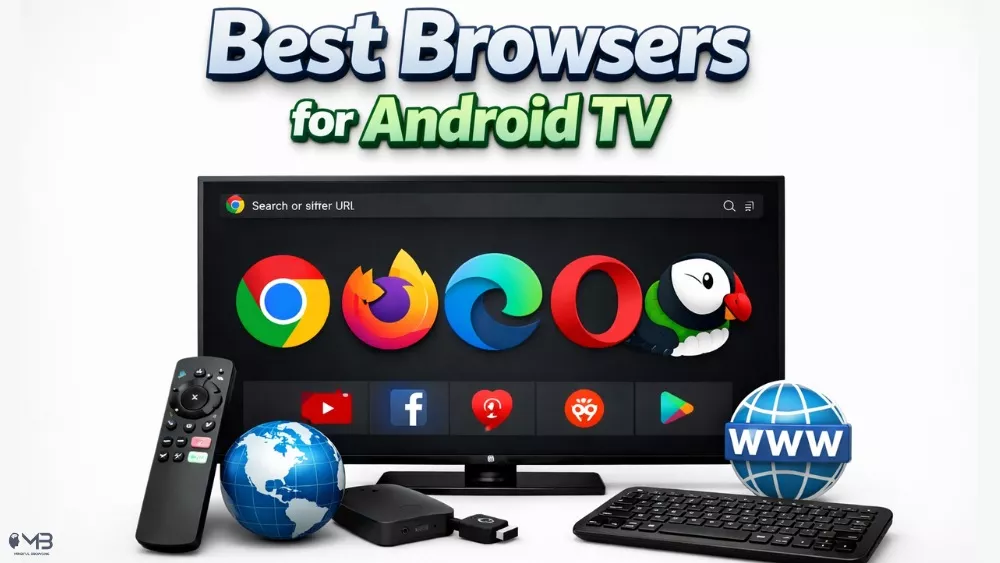
The best browsers for Android TV support TV navigation, full web access, and remote-friendly interfaces which makes them essential to access content not available through the built-in apps or browsers.
Let’s be honest: browsing the web on a TV used to be a nightmare. Trying to navigate a standard desktop webpage with a clunky remote felt like performing surgery with a pair of oven mitts. But as we move into 2026, the game has changed. Whether you’re trying to sideload an APK, stream a match that isn’t on your local apps, or just scroll through a forum, you need a browser that actually “gets” the TV experience.
The Android TV landscape is more diverse than ever, and while Google Chrome is the king of mobile, it’s not always the best fit for your living room. Here is a breakdown of the 5 best browsers for Android TV that will turn your big screen into a functional window to the web.
1. Puffin TV Browser – Speed King (with a Catch)
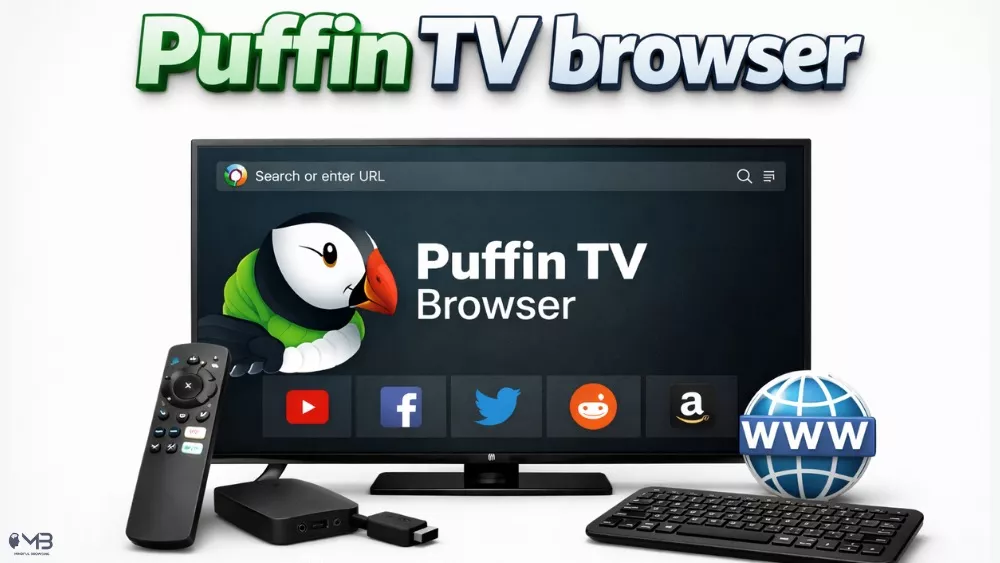
If you’ve ever felt like your TV browser was stuck in 2010, Puffin TV Browser is the wake-up call you need. It uses “cloud acceleration” technology, meaning most of the heavy lifting and webpage rendering happens on Puffin’s high-speed servers before the data even hits your TV.
Experience: It is lightning fast. Pages that take 10 seconds to load on other browsers pop up almost instantly here.
Catch: As of late 2025, Puffin has fully leaned into a subscription model. Although it’s no longer free, they provide flexible plans starting at just $0.05 per day or $1 per month.
Best For: Users who want desktop-level speed and are willing to pay a tiny fee for the lack of lag.
2. TVBro – Open-Source Hero
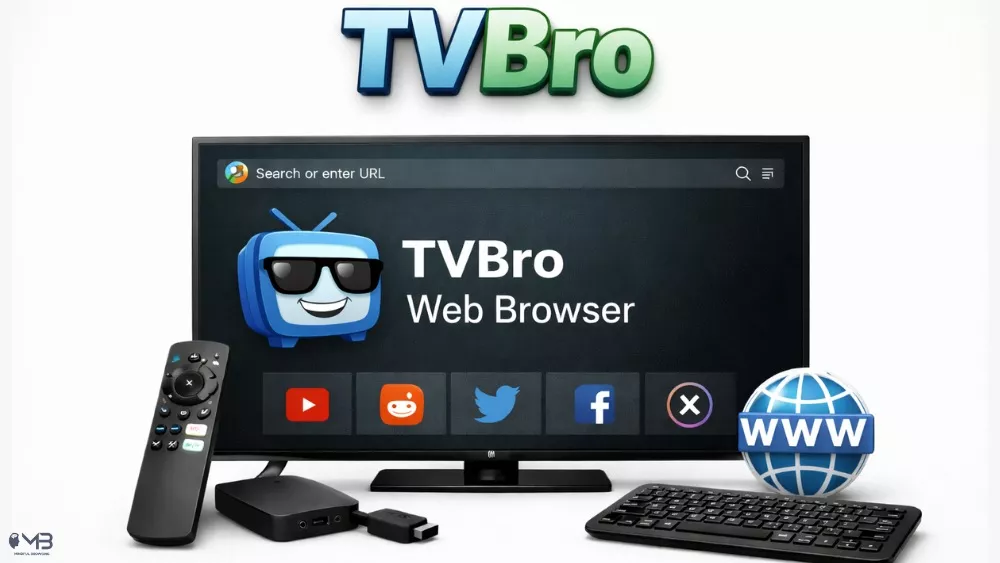
For the “I want it free, fast, and simple” crowd, TVBro is currently the gold standard. It is a completely open-source project designed specifically for remote controls — no mouse needed.
Experience: TVBro features a built-in ad blocker that is surprisingly robust, making it a favorite for streaming sites that are usually cluttered with pop-ups. Plus, it has a built-in download manager, a real boon if you’re planning to sideload apps (such as social media, mindfulness, meditation or even gratitude apps) straight onto your television.
Standout Feature: Its voice search integration really works, allowing you to skip the tedious task of typing “YouTube.com” with a D-pad.
Best For: Privacy-conscious users and anyone who hates intrusive ads.
3. JioSphere (Formerly JioPages TV) – Feature-Rich Browser
Don’t be misled by the name change; JioSphere (renamed from JioPages in late 2024 or early 2025) is a browser loaded with features. Although it started in the Indian market, its features are useful worldwide.
Experience: It offers a “Desktop Mode” that actually renders sites properly on a 55-inch screen and includes a built-in PDF reader. It’s also one of the few browsers to offer a Free VPN built right into the app.
Unique Twist: It includes an “Education Mode” and a curated video section that pulls trending content from across the web into a TV-friendly UI.
Best For: Users who want an “all-in-one” hub that feels more like a portal than just a simple browser.
4. BrowseHere – Sleek Newcomer
BrowseHere is often the default browser on newer TCL and Hisense sets, and for good reason. It’s incredibly polished and focused on one thing: video.
Experience: It features a specialized “Web Video Caster” technology. If you land on a page with a video player, BrowseHere detects it and offers to play it in a native TV player rather than inside the messy webpage.
Downloads: With over 10 million downloads on the Play Store, it has quickly become one of the most trusted names for Android TV users who primarily use browsers to watch content.
Best For: Binge-watchers who want a “lean-back” experience without fiddling with web players.
5. Vivaldi: The Power User’s Dream
If you have a Bluetooth keyboard and mouse hooked up to your Nvidia Shield or Sony TV, Vivaldi is in a league of its own. It’s not specifically “built” for remotes, but it offers a level of customization that no other TV browser can match.
Experience: You get real tab management, a side panel for notes or history, and the ability to sync everything with your Vivaldi desktop browser. It’s essentially a desktop browser running on your TV.
Sync Factor: If you find a recipe or a long-form article on your PC, you can “send” it to your TV and pick up right where you left off.
Best For: Tech enthusiasts who use their Android TV as a secondary workstation or a heavy browsing machine.
Quick Comparison: Which One Should You Pick?
| Browser | Best For | Cost | Top Feature |
| TVBro | General Browsing | Free | Open Source and Ad Block |
| Puffin TV | Speed | Subscription | Cloud Acceleration |
| BrowseHere | Streaming Video | Free | Web Video Detection |
| JioSphere | Extra Features | Free | Built-in VPN |
| Vivaldi | Customization | Free | Sync with Desktop |
Final Remarks
For 90% of users, TVBro or BrowseHere will be the perfect fit — they are free, remote-friendly and block the annoying bits of the internet. However, if you find yourself frustrated by slow loading times on a budget TV box, the small daily fee for Puffin TV is a genuine game-changer for your sanity.
The web is finally becoming usable on the big screen — just make sure you’re using the right tool to see it!
About the Author: Shanzaib Haider