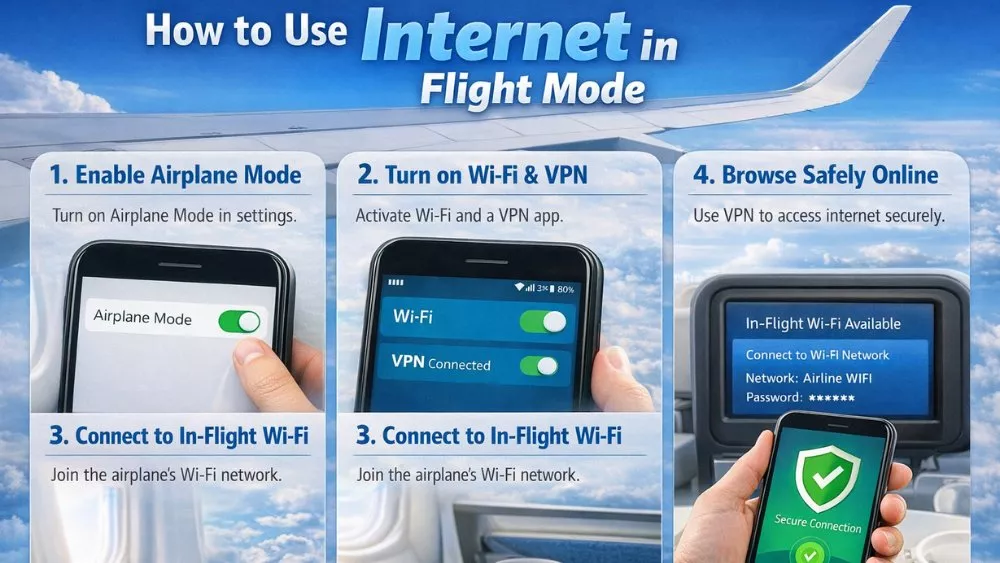
For years, the “Airplane Mode” toggle was the universal symbol for digital isolation. You flipped the switch, the little plane icon appeared, and your connection to the world died. But in today’s tech landscape, that’s simply not how it works.
Whether you’re trying to dodge a $15-a-day international roaming fee or you’re actually sitting in seat 14B over the Atlantic, you can absolutely stay connected. Here is the manual on how to keep the internet flowing while keeping your cellular radio dead.
1. “Ghost Connection” Method
Most people think Airplane Mode is an “all or nothing” kill switch. It isn’t. It is actually a “Cellular First” switch.
When you enable Flight Mode, your phone immediately cuts power to the antennas for Cellular (LTE/5G), Wi-Fi, and Bluetooth. However, the hardware allows these to be operated independently.
The process is simple but specific:
- Engage Airplane Mode: This kills all “noise” from your device.
- Wait 5 Seconds: This allows the OS to fully cycle down the radio stacks.
- Manually Tap Wi-Fi: Your phone will re-engage the Wi-Fi chip without re-engaging the cellular modem.
By doing this, you are effectively a “Wi-Fi Only” tablet. This is the gold standard for saving battery. In fact, tests show that idling on Wi-Fi in Airplane Mode consumes about 15% to 20% less power than idling on a standard cellular connection.
2. Dealing with the “Captive Portal” Trap
The biggest headache when using the internet in flight mode, especially on planes, is the login screen that refuses to load. You see the Wi-Fi bars, but nothing works. This usually happens because your phone is trying to protect you from an “unsecured” network.
Fix:
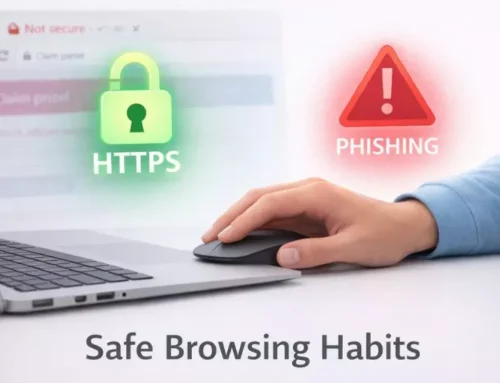
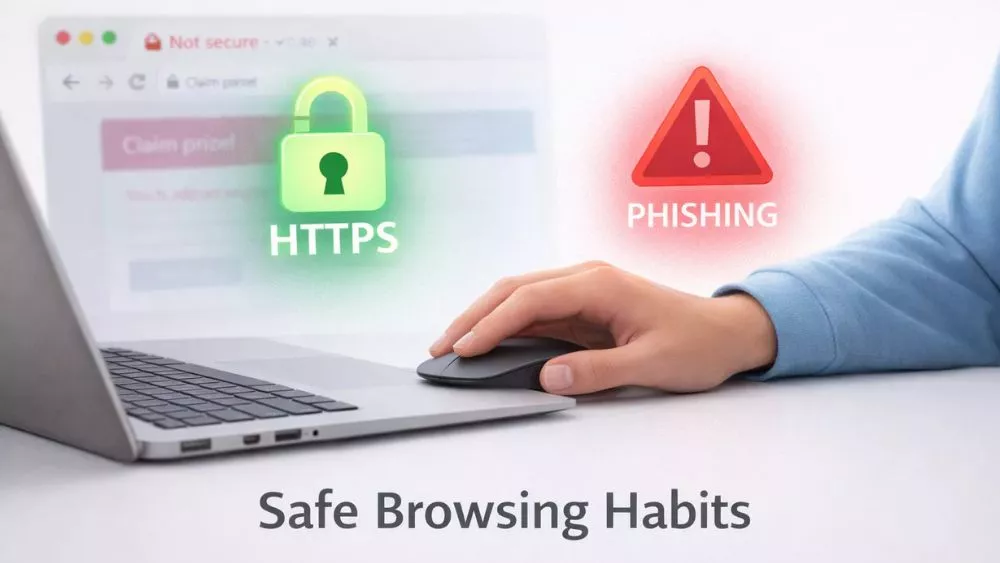
If the airline’s login page doesn’t pop up, open your browser and type a “non-HTTPS” site. A classic trick among techies is to type neverssl.com. Because the site isn’t encrypted, the airplane’s router can easily intercept the request and force-load its “Buy Wi-Fi” or “Free Messaging” page.
3. “Messaging Only” Loophole
Many travelers don’t realize they can get the internet for free in flight mode without paying for a full data plan.
- JSX, Delta, and United often offer free messaging or full Wi-Fi passes.
- The Catch: This only opens specific ports for iMessage, WhatsApp, and Facebook Messenger.
- Pro Tip: If you are in Flight Mode with Wi-Fi on, make sure “Wi-Fi Calling” is enabled in your phone settings before you leave the ground. This allows your SMS (green bubbles) to route through the plane’s Wi-Fi as if you were standing on a street corner in New York.
4. Why This Matters: The Data and The Dollars
Why bother with this? Why not just leave your phone on?
- “Tower Search” Drain: When you fly, your phone tries to “ping” towers on the ground. Because you are moving at 500mph, it constantly switches towers at maximum power. This can drain a full battery in under 3 hours.
- Roaming Nightmare: In 2023, reports surfaced of travelers racking up thousands in “accidental roaming” because their phones pinged a maritime cellular network while the plane was over the ocean. Flight Mode is your legal and financial shield.
5. Technical Future
According to recent updates from the European Union Aviation Safety Agency (EASA), the hard line between “Flight Mode” and “Normal Mode” is blurring. As of 2026, pico-cells, mini 5G base stations on planes, are being tested on EU carriers like Lufthansa but remain in limited testing due to certification costs; full rollout lags behind Wi-Fi
However, until that is universal, the Wi-Fi-over-Flight-Mode remains the safest and fastest way to browse. With providers like Starlink Aviation now hitting speeds of 200+ Mbps with latency under 100ms, the “internet in the sky” is finally catching up to your home fiber connection.
Troubleshooting Quick-Guide
- Wi-Fi icon is greyed out? Restart your device while Airplane Mode is already on.
- Connected but no “Push” notifications? Check if “Low Data Mode” was automatically triggered by your phone. Turn it off in your Wi-Fi settings.
- VPN won’t connect? Switch your VPN protocol to UDP or Stealth mode. Airplane routers often block standard TCP tunnels to save bandwidth.
Final Thought
Using the internet in flight mode isn’t a “hack”—it’s the intended way to use modern mobile OS architecture. It keeps the pilots happy, keeps your bank account safe from roaming fees, and keeps your battery green.
About the Author: Shanzaib Haider