Let’s be real, if you’ve ever stared at your phone’s app list and wondered why you have both “Google” and “Chrome” eating up your space, you’re not alone. Google is a global technology company and a search engine, whereas Chrome is a browsing app developed by Google to access the internet. In a nutshell, Chrome is used to access Google.
Let’s figure out the key differences between Google and Google Chrome and how they work.
Meet Google: Global Town Square
Google is a search engine used to access information or files on the internet. Google got started back in 1998 as a research project at Stanford University by Larry Page and Sergey Brin to organize all the information online. They later decided to change its name to Google, which was inspired by the term “Googol”.
The headquarters of this multifaceted company is in Mountain View, California.
The search engine is really the heart of it all, which handles around 8.5 billion searches every single day. This highlights just how massive the company is. But its skyline is built with much more:
- Communication: Gmail, Google Meet
- Productivity: Google Drive, Docs, Sheets, Calendar
- Navigation: Google Maps
- Video: YouTube
- Mobile OS: Android
- Hardware: Pixel phones, Nest devices
Its major revenue comes from the advertisements within this vast ecosystem. In short, Google is the company and the sprawling suite of services. You can access these services through a web browser.
Meet Google Chrome: Your Trusty Tour Bus
Google Chrome, launched in 2008, is a web browser—a tool to navigate the internet safely, including Google’s city and websites online. It’s a specific product made by the Google company.
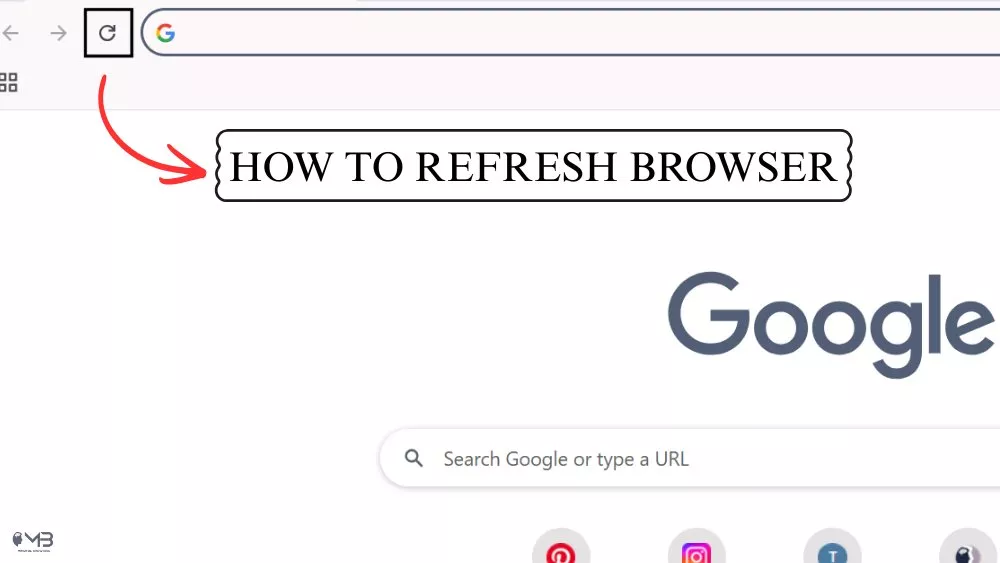
Chrome is designed to be fast and secure when it comes to loading websites and showing them correctly. If a page hangs, refreshing your browser is the quickest way to get things moving again. Its features include:
- Omnibox: Combined address and search bar.
- Tabbed Browsing: For managing multiple sites.
- Extensions: Adds functionality like ad-blockers or password managers.
- Cross-Device Sync: Your bookmarks and history follow you.
While Google is the default search engine within the browser, you can use Chrome to visit any site, including competitors like Safari, Bing. It provides access to the entire internet.
Breaking Down the Differences between Google Vs. Google Chrome
The table below cuts to the heart of how these two siblings differ:
| Basis of Difference | Google Chrome | |
| Core Identity | A multinational technology company. | A cross-platform web browser (a product of Google). |
| Primary Role | To organize information and provide digital services (Search, Email, Cloud, etc.). | To retrieve, display, and interact with websites on the internet. |
| Launch Year | 1998 (The company was founded). | 2008 (The browser was released). |
| Key Products | Search, Gmail, Maps, Drive, Android, YouTube, Ads. | The browser itself, plus Chromecast, Chromebooks (which run Chrome OS). |
| Monetization | Primarily via advertising (Google Ads) and cloud services. | Free to use. Drives value by facilitating web use, feeding into Google’s broader ad ecosystem. |
| Market Share | Search engine dominance: Approx 90.82% globally. | Browser dominance: around 71.3% globally on all devices. |
| How You Use It | Accessed via a browser or dedicated apps (Gmail, Maps app). | A standalone application you install to access all websites. |
Storage Dilemma Solved:
Yes, you could just stick with Chrome for all of it, searches and whatever else. That makes updates less of a hassle, and it does help save some space, you know.
If you decide Chrome is your preferred tool, you should change it as your default browser on your Mac or Windows so that every link you click opens there automatically.
You Might Also Like:
- How to Set Up Google Wifi VPN?
- How to Install a VPN on a School Chromebook?
- How Avocado Browser Works?
About the Author: Omer Aftab